FOR HEARING ASSISTANCE DURING OUR SERVICES
Use the WAVECAST App 
FOR ANDROID
https://play.google.com/store/search?q=wavecast&c=apps 
FOR APPLE
https://apps.apple.com/us/app/wavecast-audio-receiver/id1458383632 
- Download app for your device.
- Press Install (if necessary)
- Find WIFI network: St. Paul Guest
- Password: password
- Start WAVECAST app.
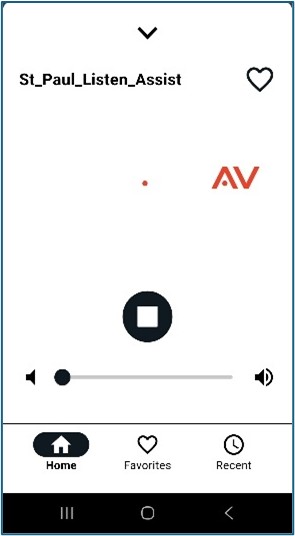
- It will automatically find the broadcast called St_Paul_Listen_Assist
- Select that option by pressing on the screen.
- You have controls to STOP/START and change the volume.
- This is app BEST used with wired earphones. There is almost no delay in hearing the sound in your earphones from the person speaking in the room.
- You MIGHT be able to use wireless ear buds but it will depend on your phone and the quality of the earbuds as to whether or not you will hear the person speaking in your earb
 uds at the same time you are hearing them speak in the room.